Top 10 Free Changelog Tools for Developers & Indie Hackers
Stop shipping ugly product updates and release notes. Discover the top 10 free and budget-friendly changelog tools for developers and indie hackers.

By
Tushar Singh Kshatriya
Last updated on
Jan 24, 2026
You spend hundreds of hours polishing your UI, refactoring your code, and perfecting your product’s UX. So why are you announcing your updates with a plain text file or a generic, unbranded widget?
For Indie Hackers and Developers, the Changelog is the most underutilized marketing asset. It’s not just a list of bug fixes; it’s proof of life. It shows potential customers that your product is evolving, alive, and supported.
While there are plenty of "free" tools out there, they often come with a hidden cost: they look terrible, hurt your SEO, or trap you in a walled garden.
We’ve analyzed the market to bring you the Top 10 Changelog Tools for 2026, ranked by customization, developer-friendliness, and "bloat-free" experience.
1. Releasedeck (Best Overall)
The "Anti-Bloat" Tool for Beautiful Updates
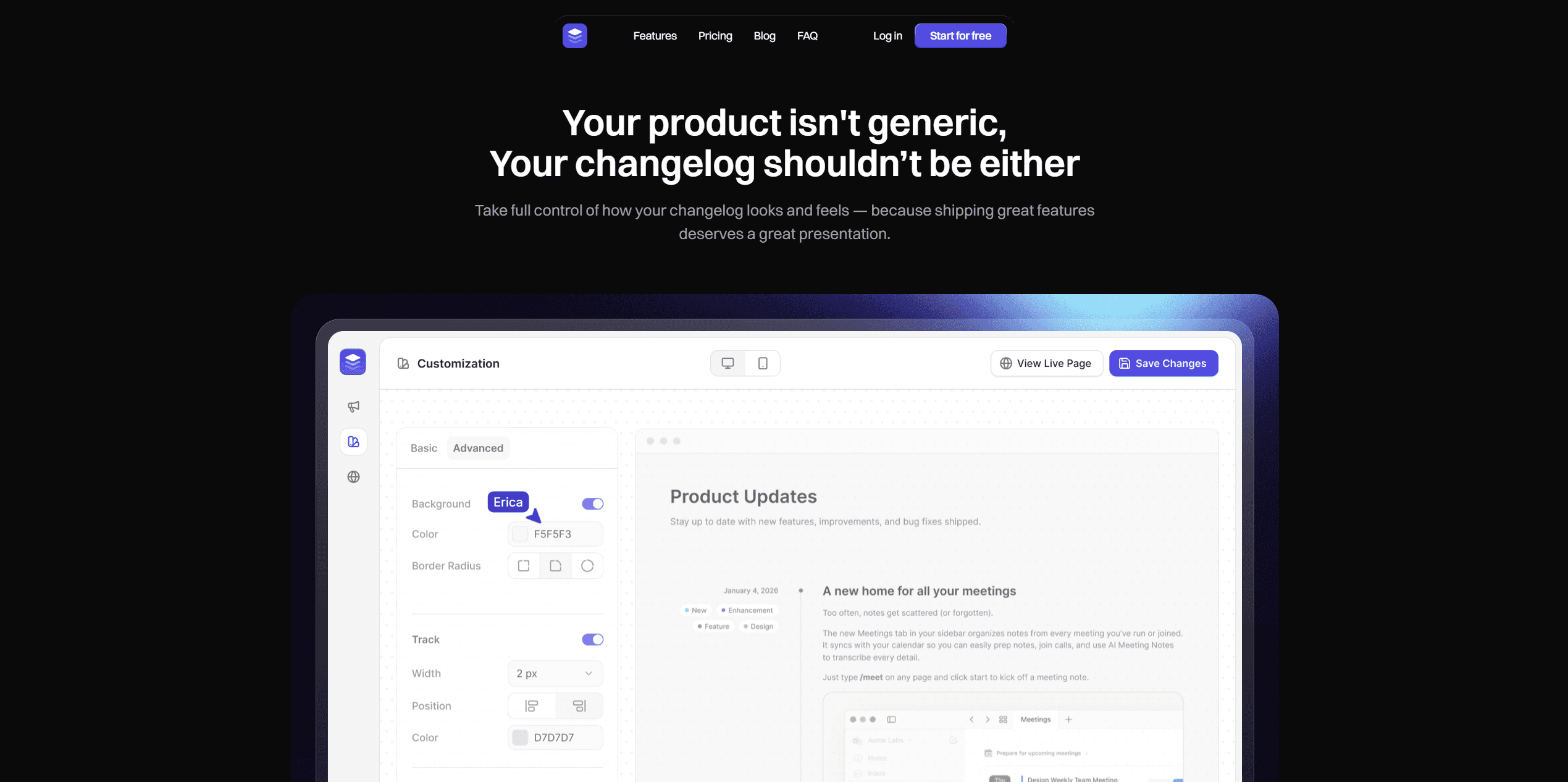
Most changelog tools try to be everything: a roadmap, a feedback board, and a CRM. Releasedeck takes a different approach. It is a dedicated changelog tool designed for one purpose: helping you ship beautiful updates that users actually read.
While many tools on this list are "free forever" but limit you to ugly, generic templates, Releasedeck offers a "try for free" model that focuses on high customization. It bridges the gap between a founder's need for speed (no-code) and a marketer’s need for branding.
Why it’s #1:
Best-in-Class Customization: Unlike competitors that lock you into a rigid "timeline" view, Releasedeck lets you fully brand your page. Your changelog looks like your product, not a third-party widget.
1-Click Migration: Worried about vendor lock-in? Releasedeck allows you to import existing changelogs from bloated tools like Canny, Featurebase, or Beamer in a single click with zero data loss.
No-Code Embeds: Drop a stunning "What's New" widget into your React, Vue, or plain HTML site in seconds without messing with APIs.
The "Beauty" Factor: Releasedeck is built on the philosophy that release notes are marketing. The editor is clean and smooth, supporting images, videos, and custom tags that make your product updates pop.
Verdict:
If you are an Indie Hacker who cares about design and wants to avoid "software bloat," Releasedeck is the upgrade your product deserves.
2. GitHub
The "Default" Choice for Developers
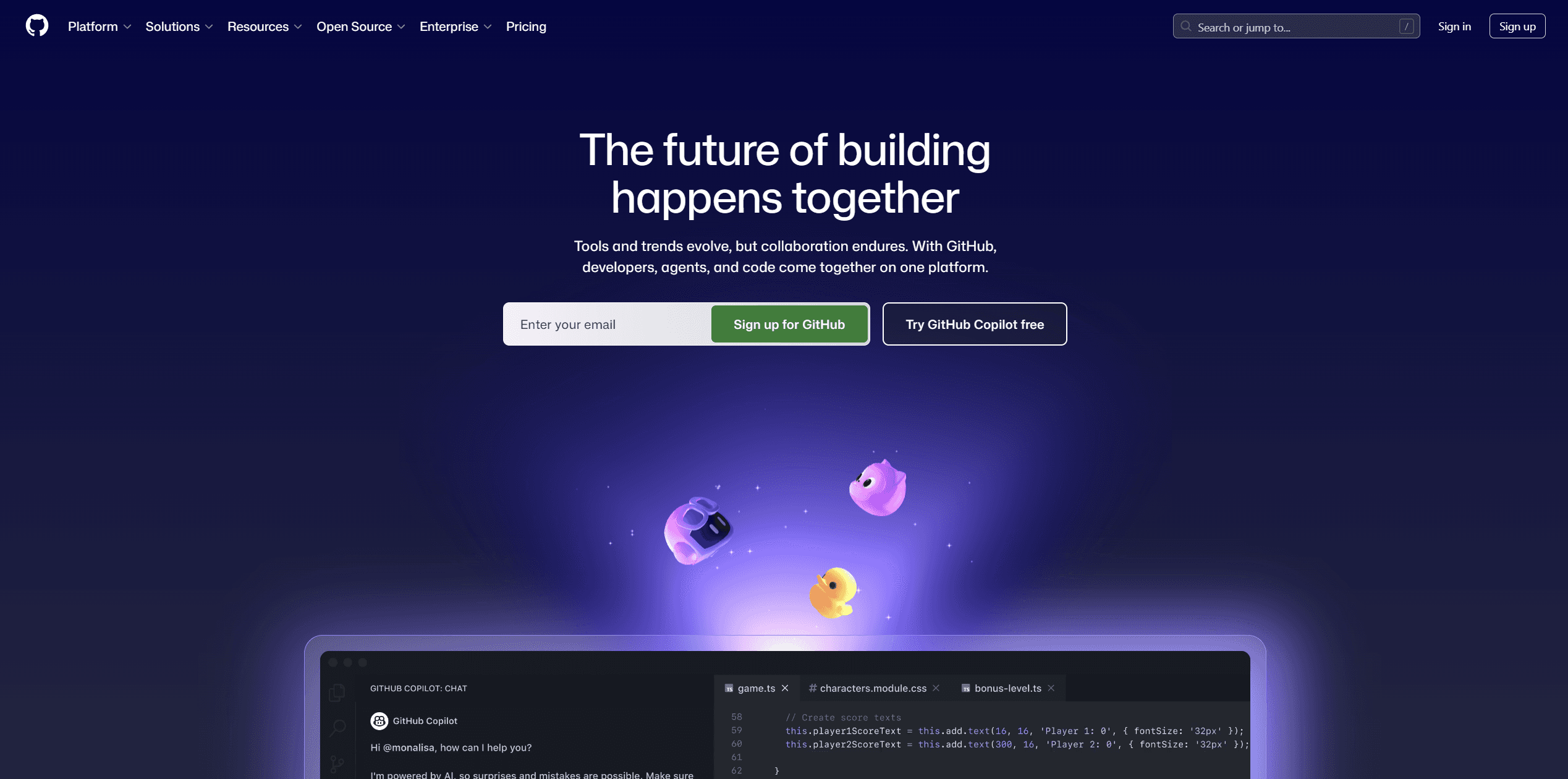
If you are already pushing code to GitHub, using GitHub Releases is the path of least resistance. It allows you to tag versions and auto-generate notes from your commit history.
Top Features:
Automation: Automatically generate release notes based on merged Pull Requests.
Workflow Integration: Fits perfectly into CI/CD pipelines (e.g., GitHub Actions).
Binary Hosting: Great for distributing compiled assets (executables, APKs).
Pricing:
Free Forever. (Team/Enterprise plans exist for private repo management, but the release feature itself is free).
The Catch:
It is non-customizable and intimidating to non-technical users. It offers zero SEO value as the content lives on github.com.
3. Headway
The "Old Reliable"
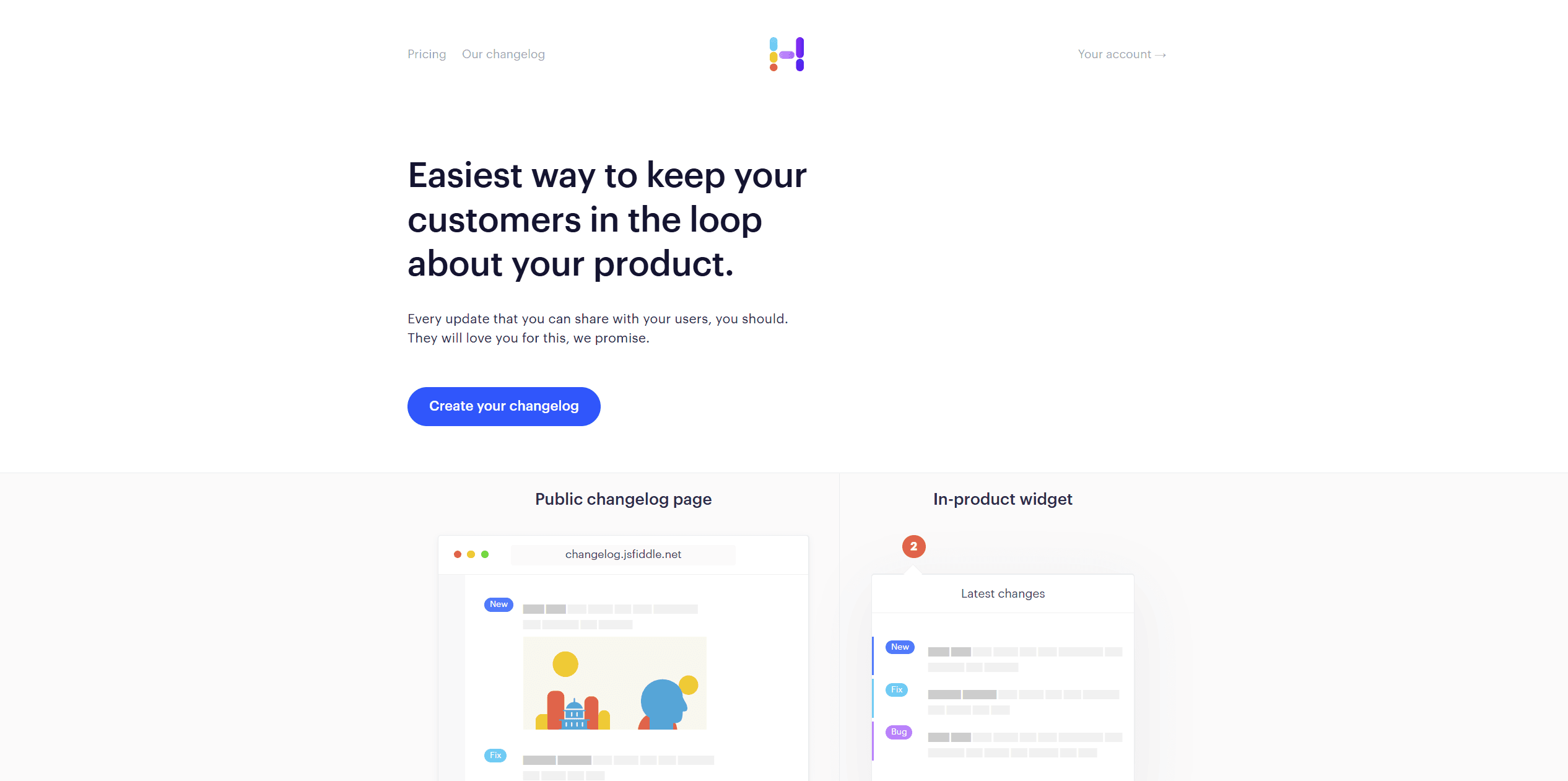
Headway was one of the first standalone changelog tools. It’s a simple, no-frills option that has powered thousands of startups.
Top Features:
Widget: A simple "bell" widget that shows a red dot when you have news.
Public Page: A clean, hosted page for your updates.
Twitter/X Integration: (Legacy feature) Allows auto-posting to social media.
Pricing:
Free Plan available (includes unlimited changelogs). The Pro Plan ($29/mo) is required for custom domains and whitelabeling.
The Catch:
Development has stagnated. The design feels dated (circa 2016), and customization is locked behind the paywall.
4. Featurebase
The "Feedback-First" Alternative
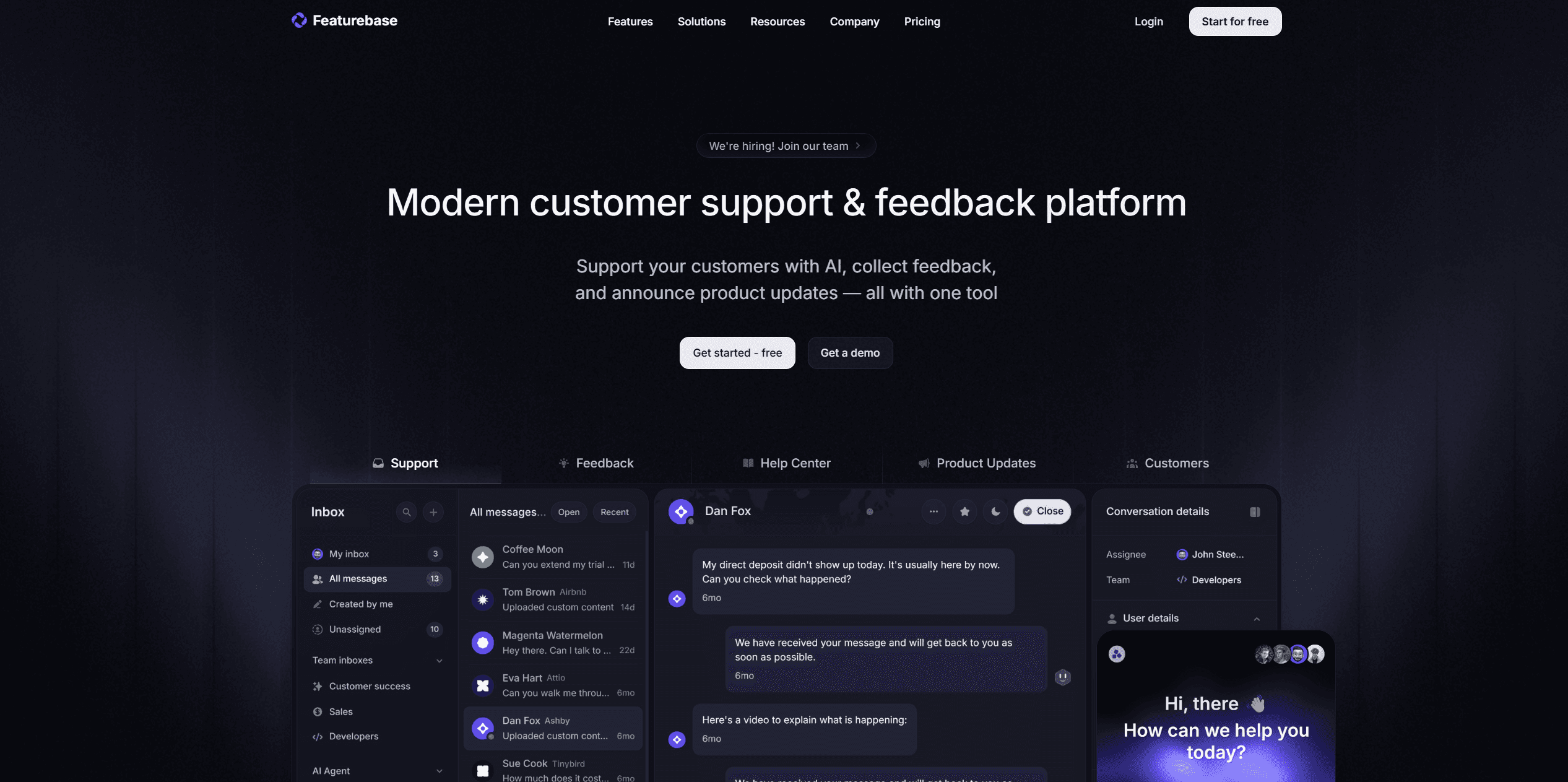
Featurebase focuses heavily on capturing user feedback and organizing it, with the changelog acting as a way to "close the loop."
Top Features:
Feedback Portal: Users can upvote features, and you can update them via the changelog when shipped.
In-App Widgets: Embeddable widgets for both feedback and news.
SSO: Supports Single Sign-On for easier user management.
Pricing:
Free Plan available (1 seat, unlimited public feedback). The Growth Plan starts at $37/seat/mo (billed monthly).
The Catch:
It can feel bloated if you don't need the feedback board. The free plan is generous but limits administrative seats.
5. Frill
The "Minimalist" Design Choice
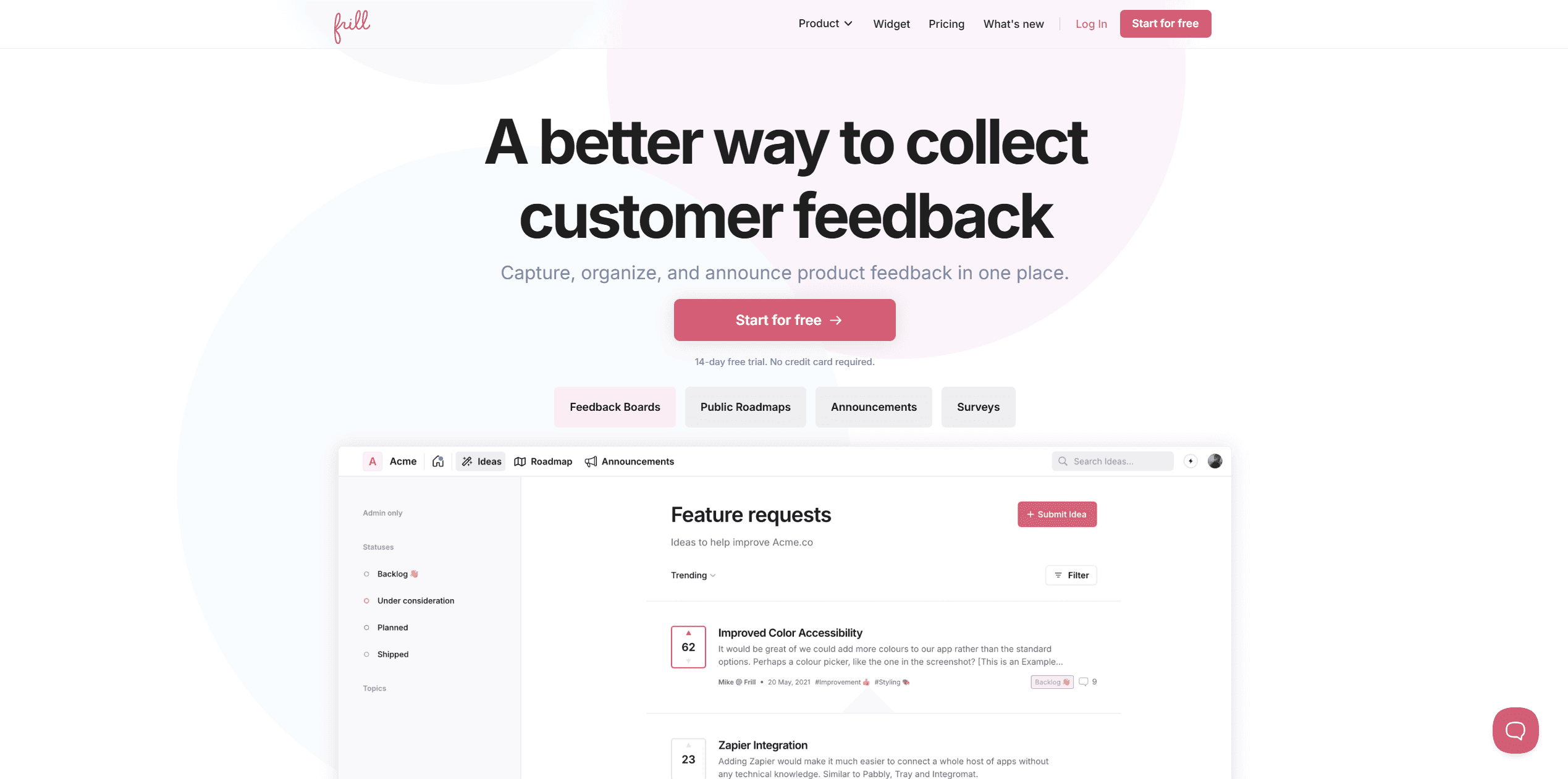
Frill is known for its clean UI and "Apple-esque" design aesthetic. It groups Feature Ideas, Roadmaps, and Announcements into one suite.
Top Features:
Inline Admin: Edit your roadmap and changelog directly on the page.
Micro-Animations: The UI feels very fluid and modern.
Upvote System: Tightly couples your announcements with the original user suggestions.
Pricing:
14 Day Free Trial available. Paid plans start at $25/mo.
The Catch:
While it has a clean dashboard UI, the changelog page itself feels quite 2010-ish and dated.
6. Canny
The "Enterprise" Standard
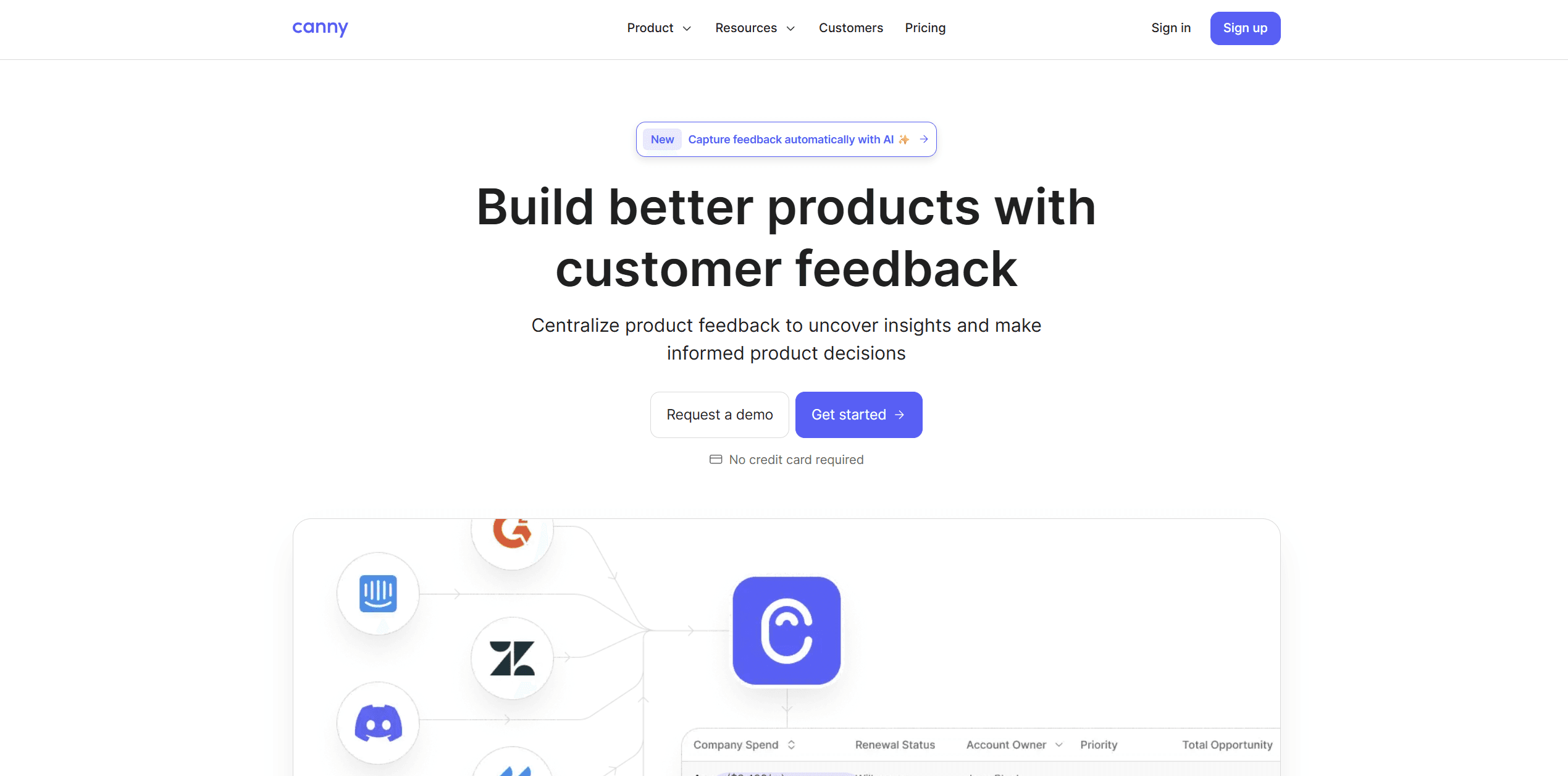
Canny is the heavyweight in this space, used by large companies. It is powerful but comes with an enterprise price tag and complexity.
Top Features:
User Segmentation: See which high-value customers (by MRR) want specific features.
Private Boards: distinct internal vs. external roadmaps.
CRM Integrations: Deep sync with Salesforce and HubSpot.
Pricing:
Free Plan available. Paid plans start from $24/mo and jump significantly as you increase tracked users. Not a great choice for indie hackers and developers.
The Catch:
It is overkill for Indie Hackers. The "Free" plan is very restrictive, and the branding cannot be removed without paying enterprise rates.
7. Beamer
The "Notification" Specialist
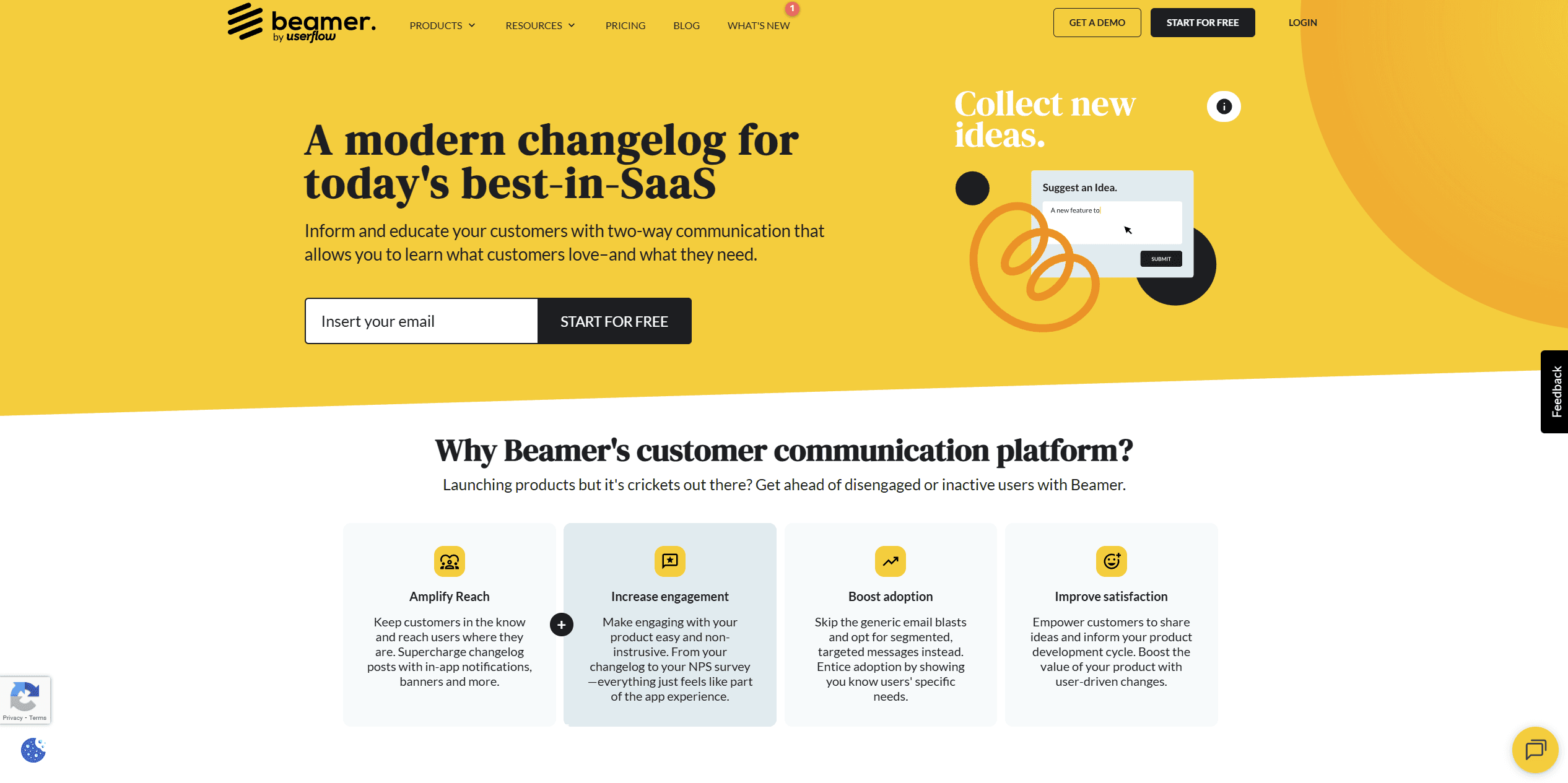
Beamer isn't just a changelog; it’s a notification center. It excels at pushing updates to users inside your app to drive engagement.
Top Features:
Push Notifications: Send browser notifications for major updates.
Segmentation: Show specific updates only to specific user groups (e.g., "Pro Plan Users").
NPS: Built-in Net Promoter Score surveys.
Pricing:
Paid plans start at $59/mo goes beyond $299/mo.
The Catch:
The pricing. period.
8. ReleaseNotes.io
The "Simple" Standard
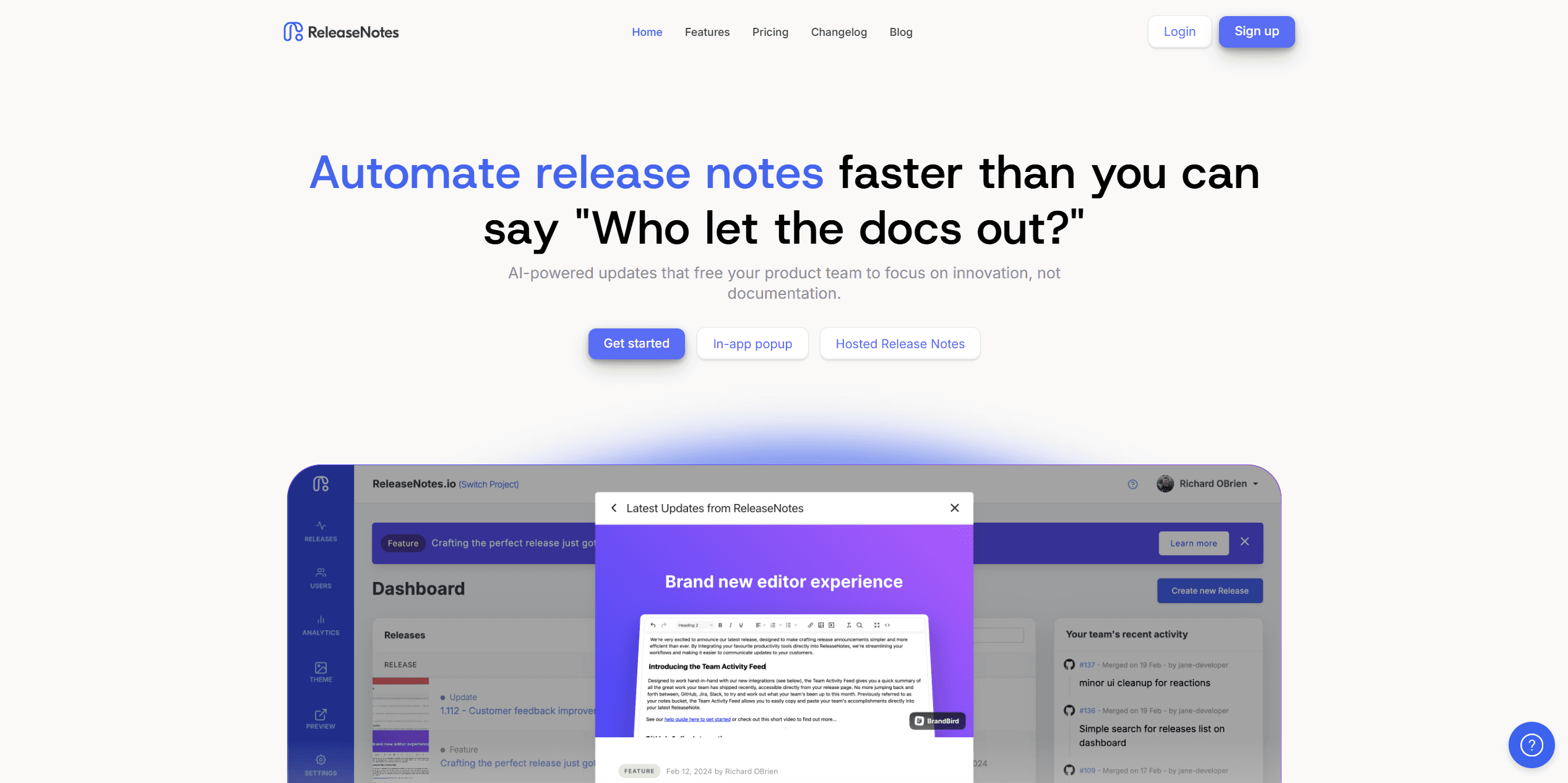
This tool focuses purely on the writing and hosting of release notes, stripping away the feedback boards and roadmaps.
Top Features:
Flat & Simple: Just a list of updates, easy to read.
Slack Integration: Push your release notes directly to a Slack channel.
Hosted Site: Provides a
releasenotes.iosubdomain for your logs.
Pricing:
Free Plan available (1 user, limited to 5 release history items). Paid plans start at $39/mo.
The Catch:
The free plan is essentially a disguised trial, as it only keeps your last 5 updates. To keep a full history, you must pay.
9. AnnounceKit
The "Widget" Powerhouse
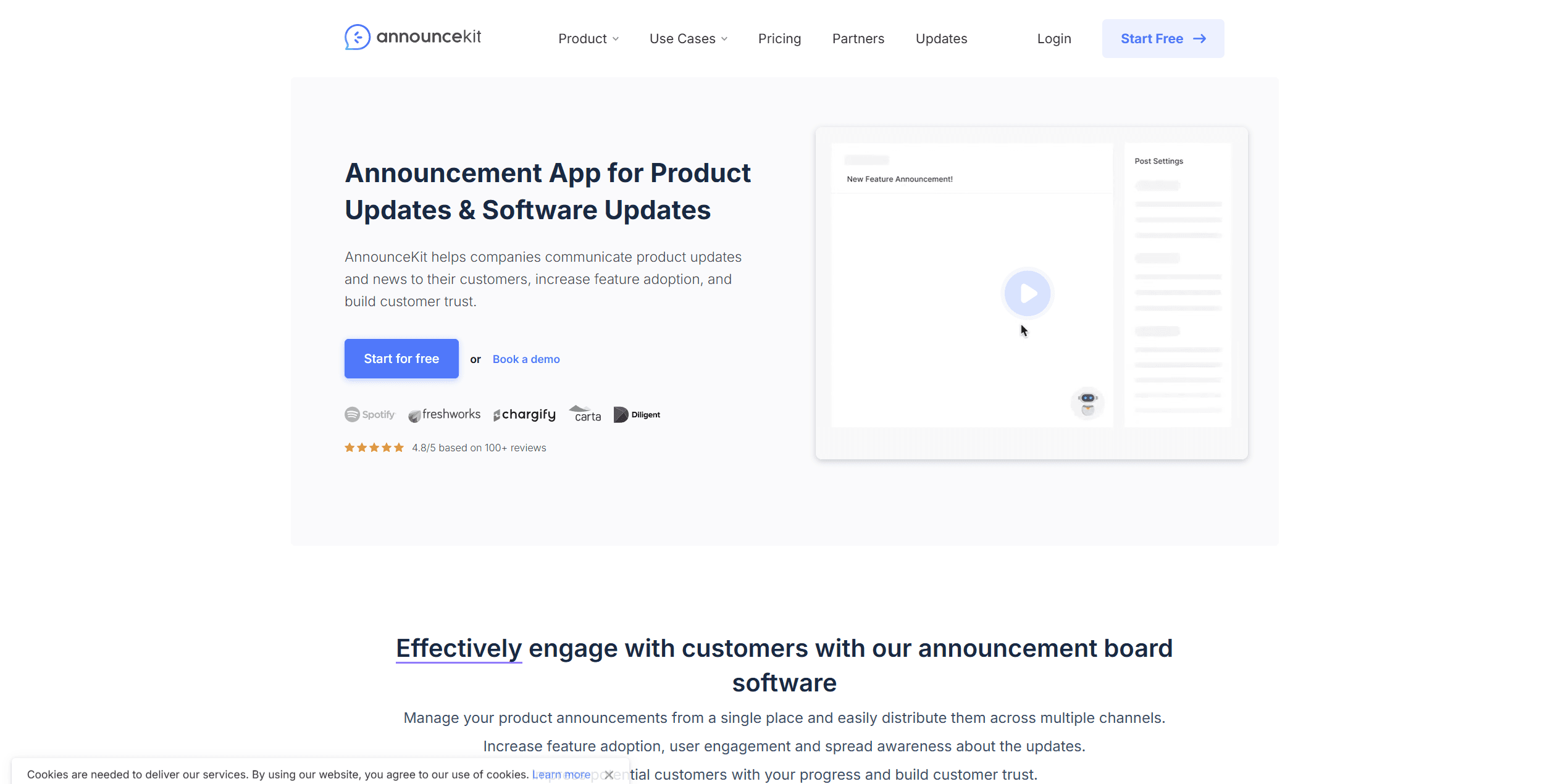
AnnounceKit focuses heavily on the "In-App" experience, offering a wide variety of widget styles and modal popups.
Top Features:
Fancy Widgets: Offers "Boosters" like modal popups and full-screen takeovers.
Multi-Language: Supports localization for global products.
Email Notifications: built-in newsletter sending for releases.
Pricing:
No Free Forever Plan. They offer a 15-day free trial, with paid plans starting around $79/mo.
The Catch:
It is expensive. There is no free tier for small developers; it is aimed strictly at funded SaaS companies.
10. featureOS
The "Knowledge Base" Hybrid
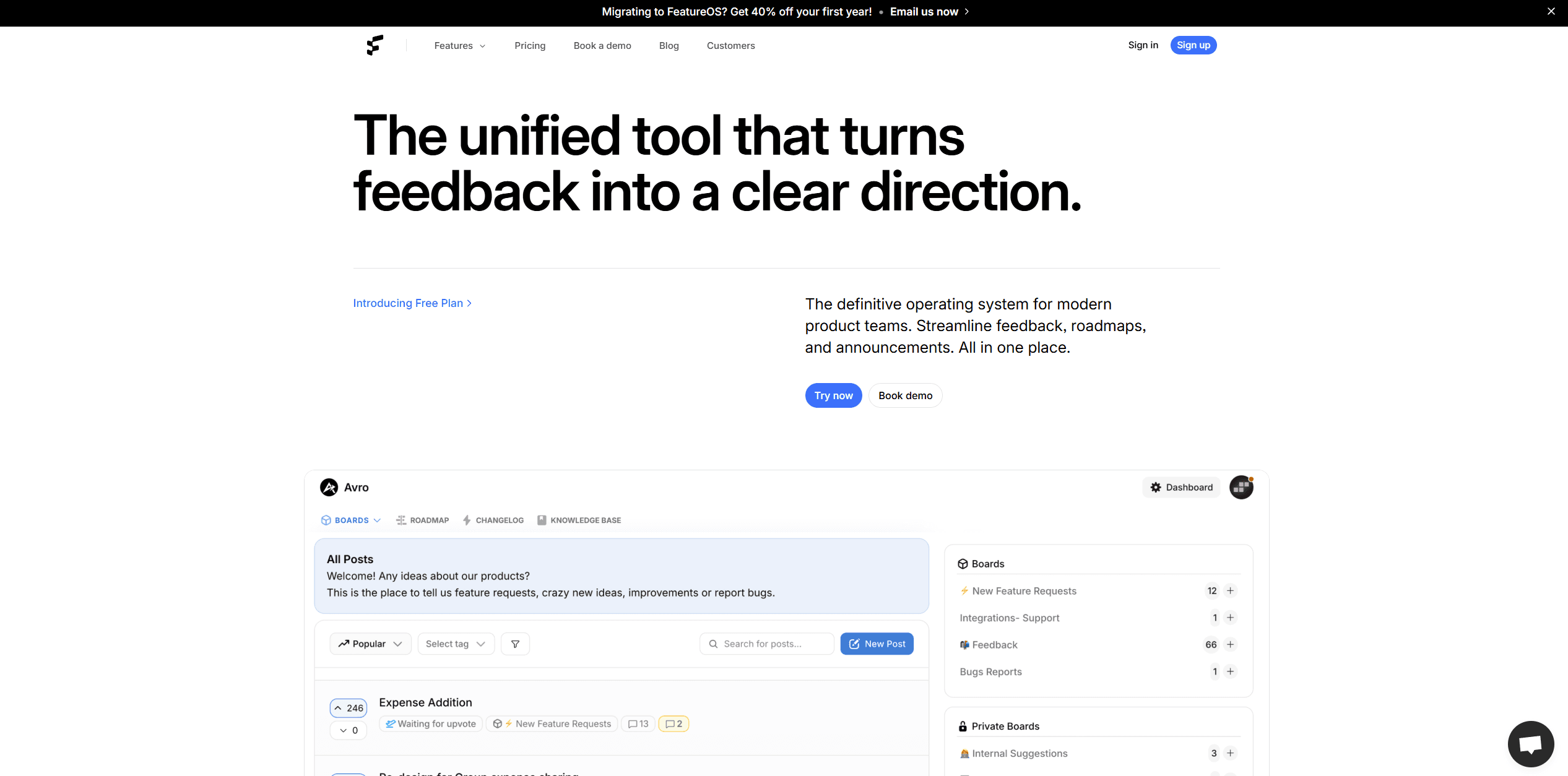
FeatureOS is quite literally an operating system that combines feedback, roadmaps, and changelogs with a Knowledge Base (Help Center).
Top Features:
Knowledge Base: Write help articles alongside your changelog.
Jira Integration: Two-way sync with Jira for enterprise dev teams.
Custom Domain: Available on higher tiers.
Pricing:
Plans start at $60/mo and go upto $250/mo
The Catch:
It offers great utility, but it isn't accessible for the $0 budget Indie Hacker.
11. Rapidr (Bonus)
The "Cost-Effective" Enterprise Alternative
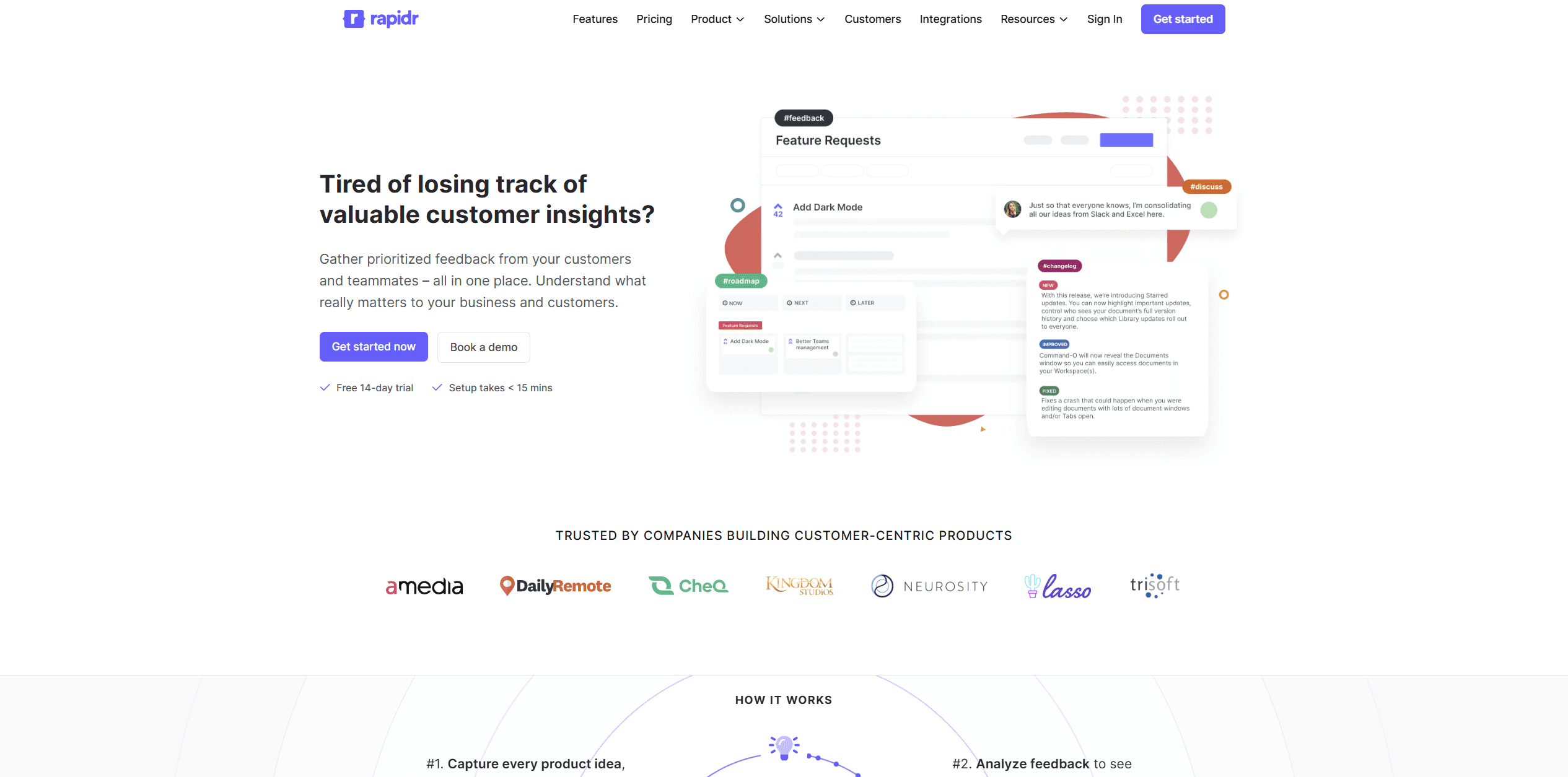
Rapidr positions itself as a more affordable alternative to Canny, offering similar feedback loop features without the massive price tag.
Top Features:
Vote on Behalf: Support teams can add votes for customers.
Internal Comments: Private discussions for your team on public feedback.
Roadmap: Drag-and-drop roadmap builder.
Pricing:
No Free Forever Plan. 14-day free trial available. Plans start at $49/mo.
The Catch:
While it tries to be a lot like 'canny' yet it just feels like a more generic version of it.
Summary: Which one should you choose?
If you have $0 budget: Go with GitHub (if you are a dev) or Headway (if you want a dead simple page).
If you are an Enterprise: Canny or Featurebase are the industry standards.
If you want the Best Customization & Design: Releasedeck is the clear winner.
Why developers are switching to ReleaseDeck: ReleaseDeck respects your brand. It doesn't force you into a generic template or a "timeline" view that looks like everyone else's. It allows you to ship updates that feel like a seamless part of your product, with a smooth editor and a price point that makes sense for Indie Hackers.
Great features don’t announce themselves. We do.
Ensure every feature you ship is seen, understood, and adopted,
while keeping your entire team aligned.